2 Requires an automatically renewing subscription for a product containing antivirus features. For further terms and conditions please see norton.com/virus-protection-promise.
4 Only available on Windows systems (but not in S mode or on ARM processors).
6 Location Supervision features are NOT available in all countries. Click here for details. To work, the child’s Android or iOS device must have Norton Family app installed and be turned on.
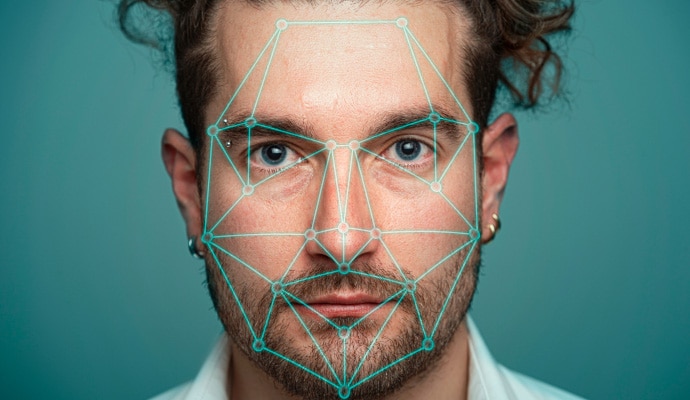
23 Automatic Deepfake Protection works only for videos in English on supported social media/video platforms; use manual scan on other platforms. Requires Windows 11 or later and a supported browser. Automatic detection additionally requires either an AI PC (minimum 8‑core Qualcomm or Intel CPU, 16 GB RAM) or a non‑AI PC (minimum 6‑core CPU from any brand, 16 GB RAM). On non‑AI PCs with a minimum 4‑core CPU, 8 GB RAM, only manual scan is available. For full details, see https://norton.com/deepfakesupport.
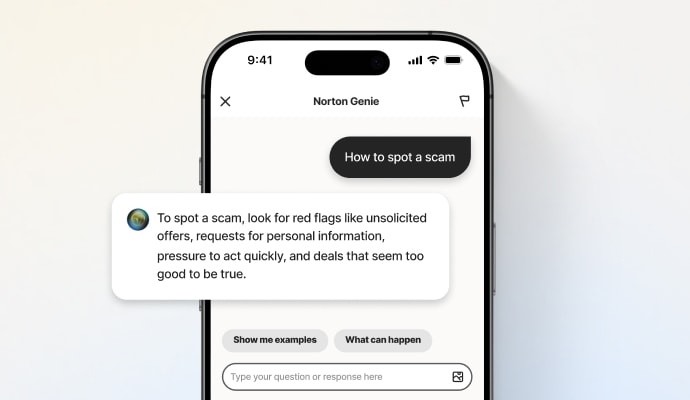
33 Deepfake Protection in Norton Genie AI Assistant is currently available in early access and only YouTube videos in English are supported.
‡ Parental Control can only be installed and used on a child’s Windows™ PC, iOS and Android™ device but not all features are available on all platforms. Parents can monitor and manage their child’s activities from any device – Windows PC (excluding Windows in S mode), Mac, iOS and Android – via our mobile apps, or by signing into their account at my.Norton.com and selecting Parental Control via any browser. Mobile app must be downloaded separately. The iOS app is available in all except these countries.
‡‡ Requires your device to have an Internet/data plan and be turned on.
§ Dark Web Monitoring is not available in all countries. Monitored information varies based on country of residence or choice of plan. It defaults to monitor your email address and begins immediately. Sign in to your account to enter more information for monitoring.